

Site Intelligence Overview
Understand a site before you design: map context, amenities, travel times, climate, sun and wind, all from the project location.
What is Site Intelligence
Site Intelligence is the map workspace of Projected. It gathers what you need to know about a site from open and commercial data, using only the project’s location:
- Site Context: the base map, surrounding buildings, roads, water, land use and terrain, imported 3D models and cadastral parcels.
- Surroundings: points of interest, travel-time areas (isochrones) and green spaces.
- Climate: temperatures, degree days, design temperatures, thermal comfort, humidity and rainfall.
- Solar & Daylight: solar radiation, daylight hours and sky cover.
- Wind: wind rose, speed distribution and prevailing direction.
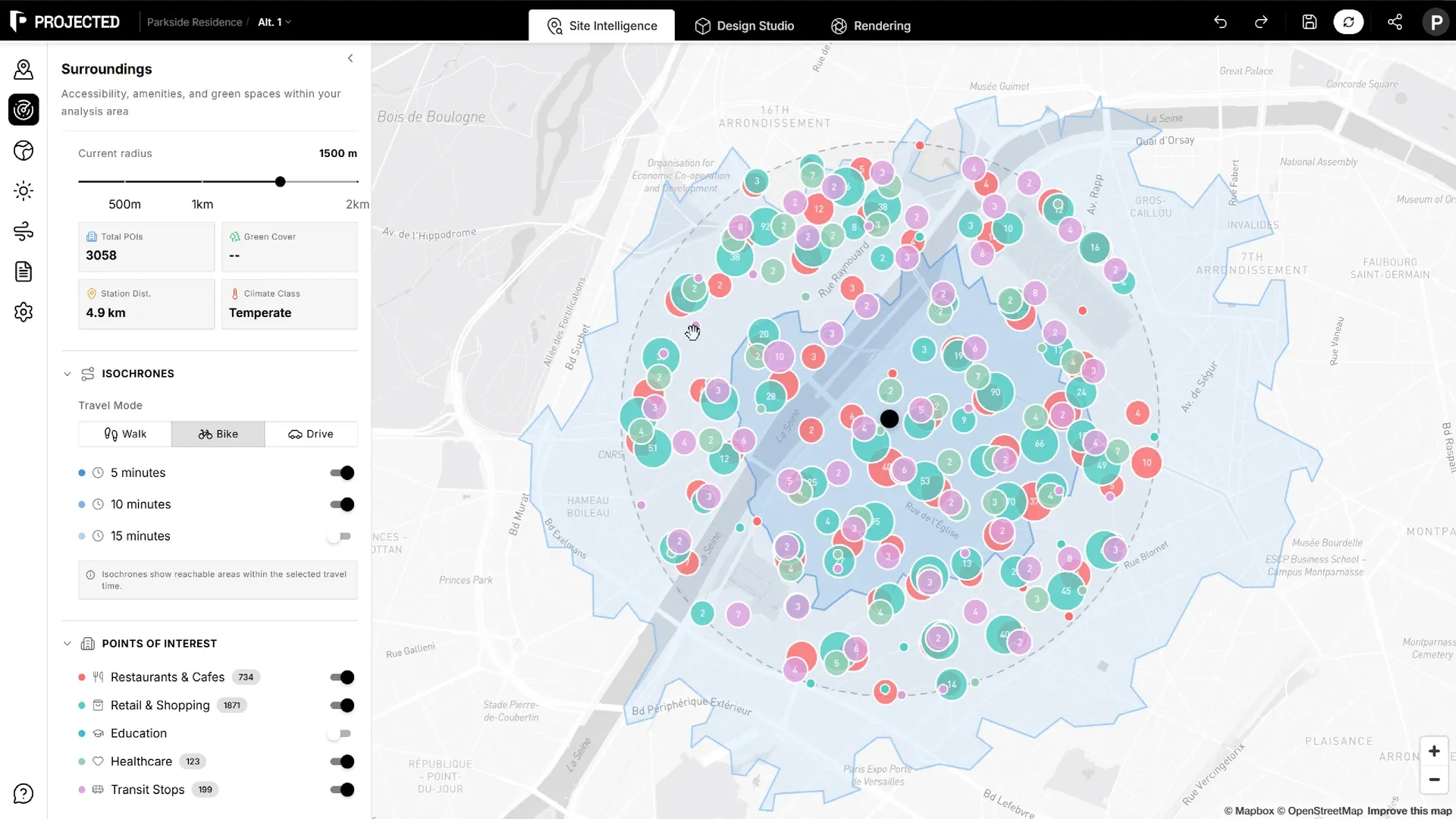
Opening Site Intelligence
Click Site Intelligence in the top bar of the editor. The map centres on the project location. Click Design Studio to go back to your design. Your work in each workspace is kept when you switch.
Where the data comes from
| Data | Source |
|---|---|
| Base map, buildings, roads, terrain, travel times | Mapbox and OpenStreetMap |
| Points of interest and green spaces | OpenStreetMap |
| Cadastral parcels | National cadastral datasets, where available |
| Climate, sun and wind | The typical meteorological year (TMY) of the nearest weather station, in EPW format |
The climate panels show the weather station used and its distance from the site.
Note: Open data varies by country and city. Check anything critical to your project, such as parcel boundaries or a planned transit line, against official sources.
Using the results
- Every chart in the climate panels can be exported as PNG or SVG from its download button.
- The same weather data feeds the Climate section of PDF reports and the energy model of the Carbon Analysis.