

Parks & Green Areas
Draw parks and planted areas, and track the green area and green ratio of the design.
Drawing a park
- Click Add Park in the main toolbar.
- Click to place the corners of the park (at least 3 points). Press Tab, or click Input, for exact lengths. Undo removes the last point.
- Close the shape to finish.
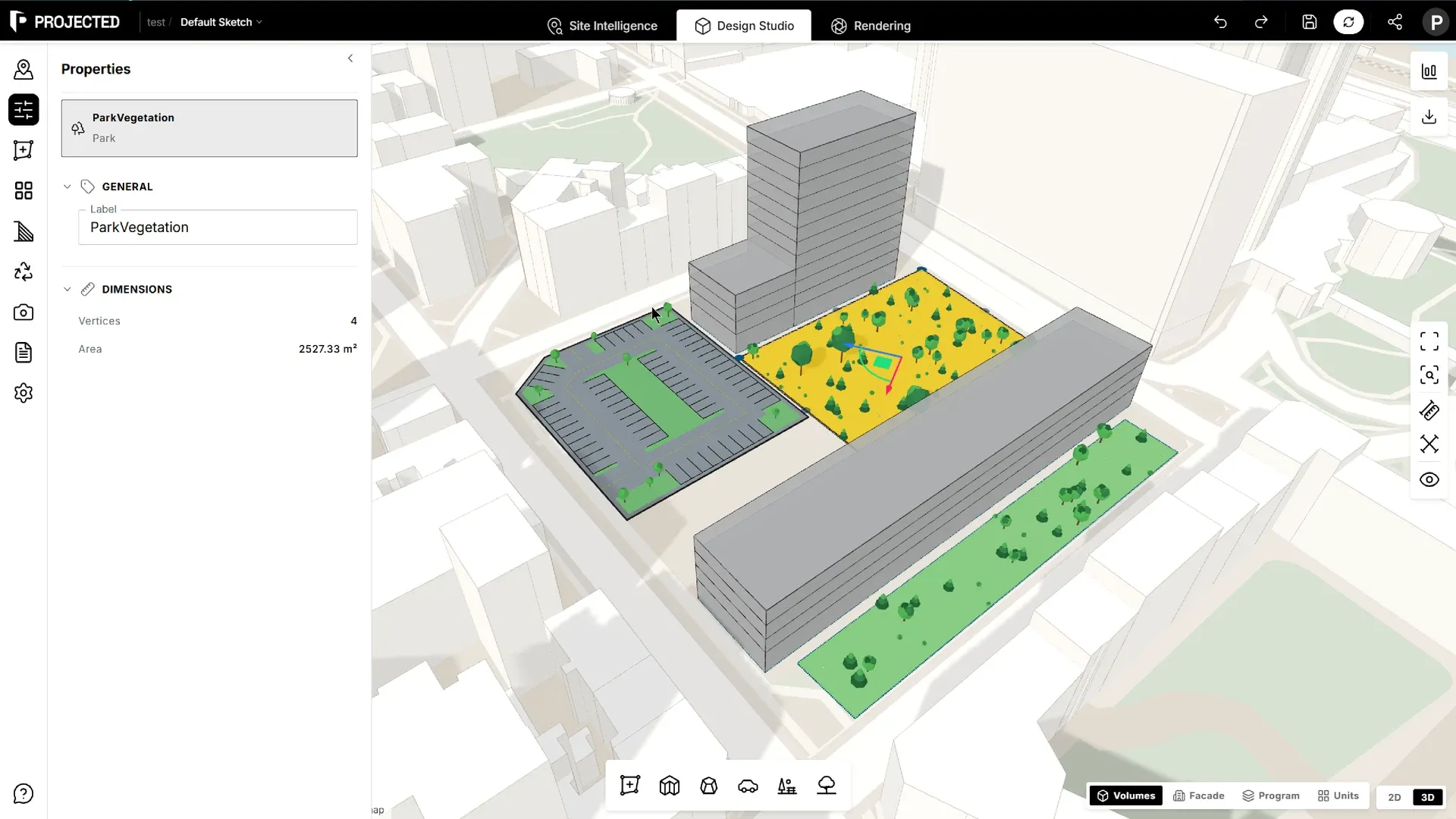
The park is drawn with grass and trees in the 3D view.
Editing a park
Select the park and drag its corners to reshape it. Its area appears in Properties.
Green area
Projected counts two kinds of green surface:
- Parks you draw.
- Green islands inside parking areas.
| Where | What you see |
|---|---|
| Statistics panel | Green area (parks and green islands) and the green ratio |
| Green areas section of PDF reports | Parks, green islands, the green ratio (green area over plot area) and open space, with a site plan |
| Area schedule | Each park with its area |
Tip: Compare the green ratio against local requirements, for example a minimum share of the plot left as planted open space.