

Introduction
Projected is a browser-based tool for early-stage architecture and urban design: test a site, sketch massing, check the rules and share the results.
What is Projected
Projected helps architects, planners and developers answer the first questions about a site, in hours instead of weeks:
- What is around it? Map context, terrain, cadastral parcels, amenities, travel times and climate.
- What can be built? Plots, site rules and a buildable envelope, with live floor areas, FAR and coverage.
- What will it look like and perform like? Massing, facades, roofs, parking and green space, with shadow, solar and carbon analysis.
- How do I share it? PDF reports, AI renders, CAD files, area schedules and read-only share links.
Everything runs in the browser. There is nothing to install, and your work is saved automatically.
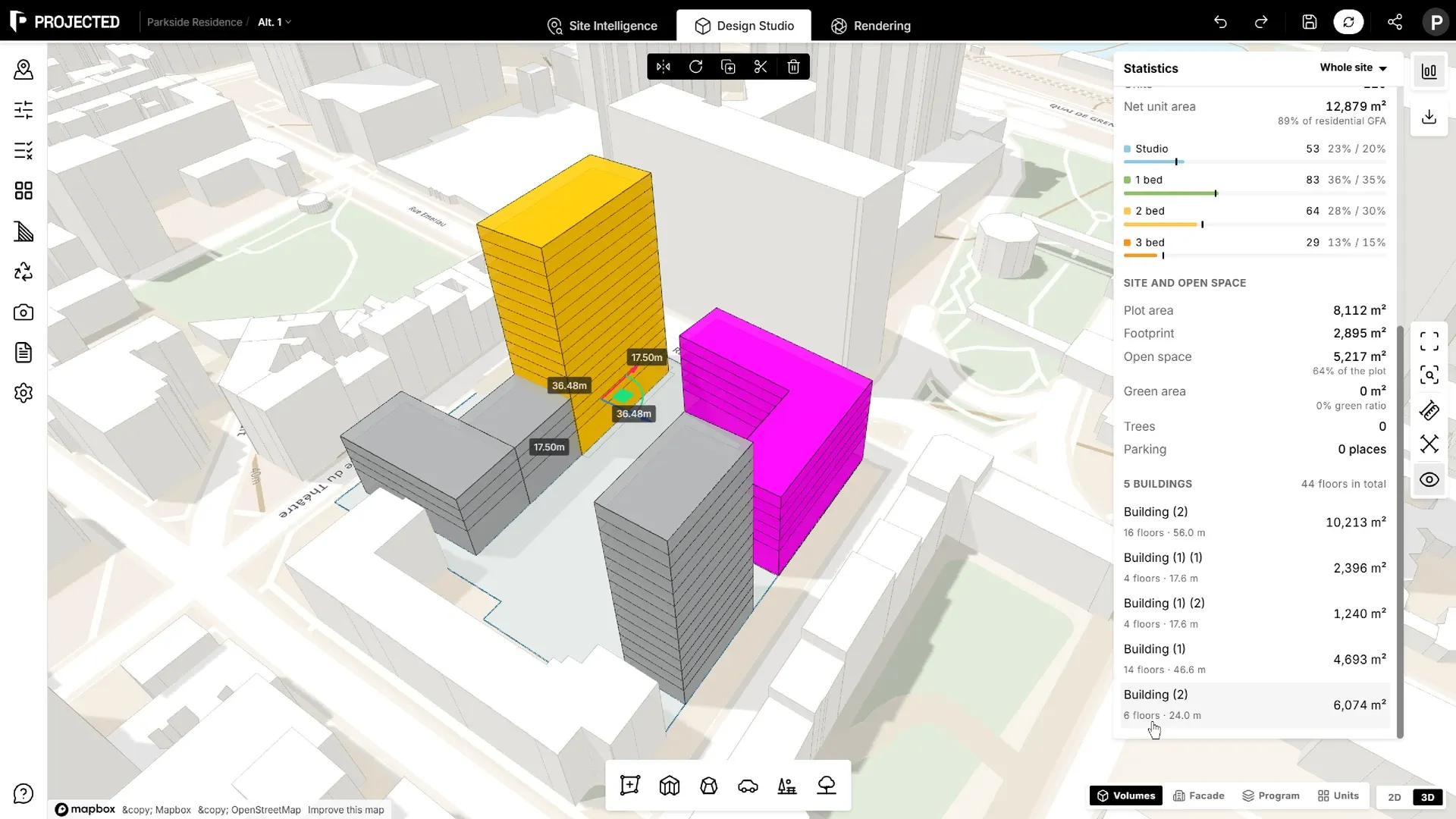
The three workspaces
The editor is organised in three workspaces, which you switch between from the top bar:
| Workspace | What you do there |
|---|---|
| Site Intelligence | Study the site on a map: surroundings, amenities, travel times, climate, sun and wind. |
| Design Studio | Draw plots, buildings, volumes, parking and parks in 3D or 2D, set site rules and run analyses. |
| Rendering | Turn views of your massing into photorealistic images with AI. |
How this documentation is organised
- Getting Started walks you through a first project and the interface.
- Site Intelligence covers the site context and the environmental data.
- Design Studio explains every design element, from plots to parking.
- Simulation & Analysis covers shadow studies and carbon analysis.
- Rendering explains AI renders.
- Export & Sharing covers reports, share links and file exports.
What you need
- A recent desktop browser: Chrome, Edge, Firefox or Safari.
- A keyboard and a mouse or trackpad. The editor needs a window at least 700 px wide, so it does not open on phones.
- A Projected account. New accounts start with a 14-day free trial of Pro, with no credit card required.