

Named Views
Save camera positions and come back to them in one click, for reviews, presentations and consistent images.
A named view is a saved camera position: where you look from, where you look at, and how wide. Use them to come back to the same angles while you design, and to present a project the same way every time.
Saving a view
- Frame the view you want in the viewport.
- Open Named Views from the left rail.
- Click Capture View. The view is saved with a thumbnail.
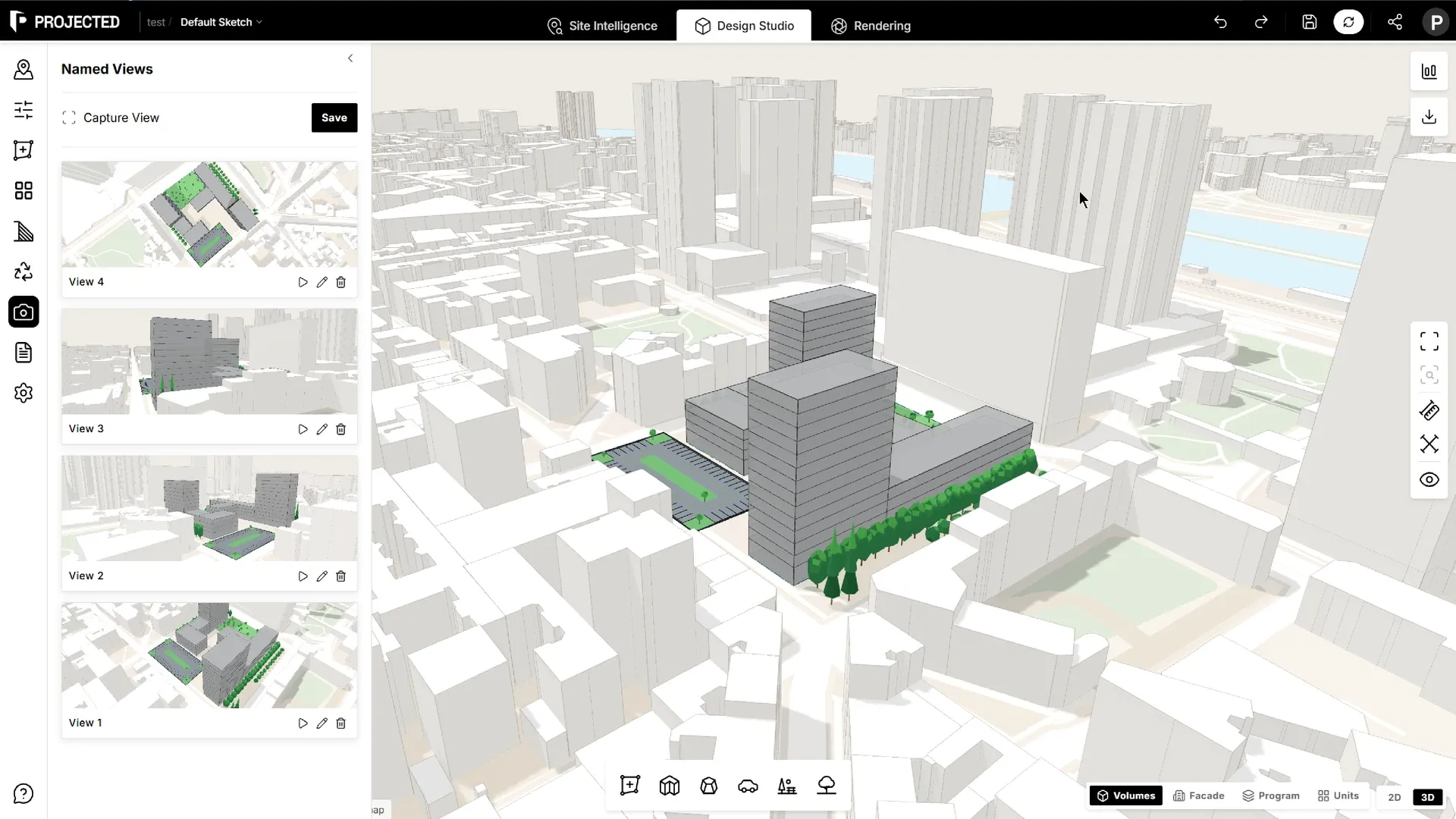
Using views
| Action | How |
|---|---|
| Go to view | Click a view to move the camera there |
| Rename | Give the view a clear name, such as “Street corner, north-east” |
| Delete | Remove a view you no longer need |
Views are saved with the sketch, so each design option keeps its own set.
Views in Rendering
The Rendering workspace has its own Saved views strip, to come back to a camera angle and render several takes from exactly the same position.